

Sponsor Lead Scanning
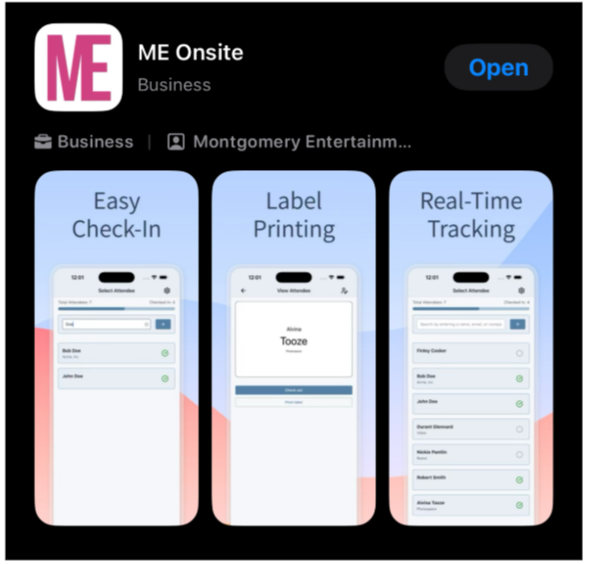
Step 1: Download the ME Onsite App HERE
Apple Store Only
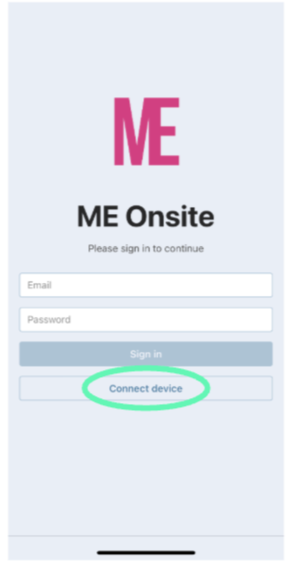
Step 2: Click “Connect Device”
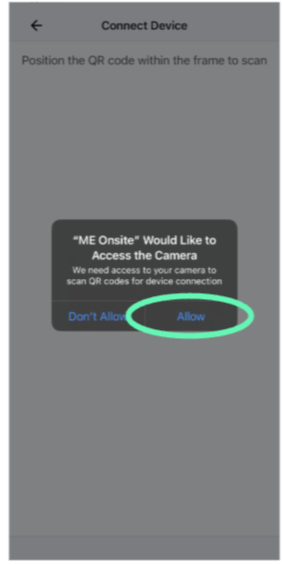
Step 3: Allow Camera Access
Step 4: Scan your unique code.
Maddie will have your code for you on-site.
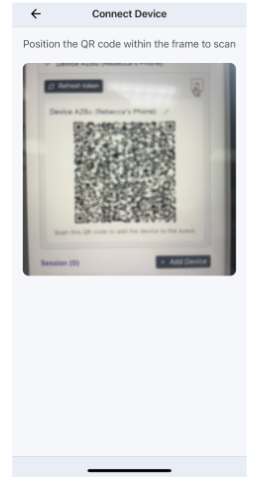
Step 5: Confirm Device Nickname.
Nickname is your company.
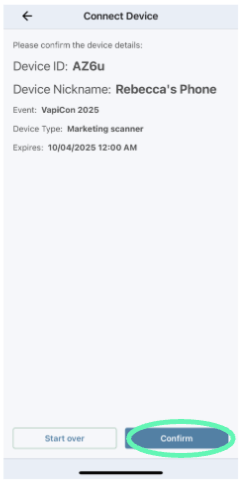
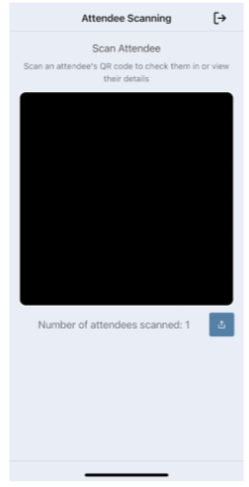
Step 6: Scan an Attendee Badge
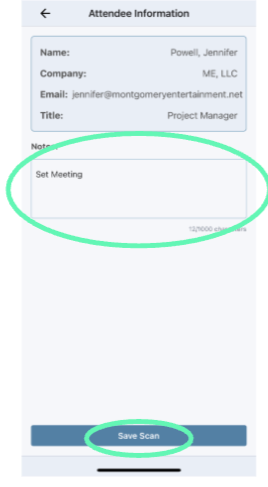
Step 7: Make Notes & Save Scan
Step 8: Share your scans to your email
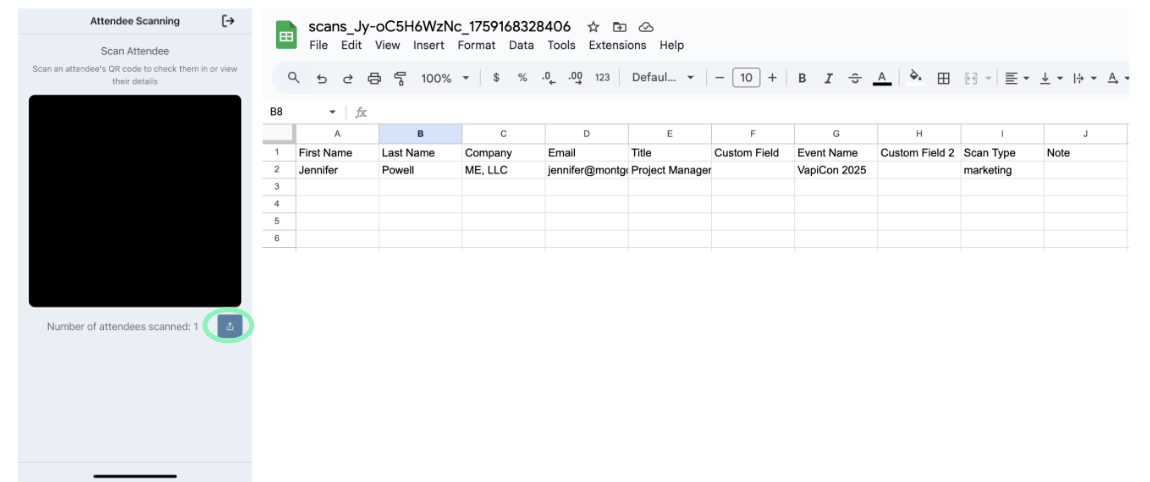
Step 9: Check your email, open your scans, and follow your leads!